The training is aimed at those who want to learn how to connect different programs for more efficient work using Visual Basic for Applications, VBA. We show how you can get the programs in MS Office to work together and how you can retrieve and use information from external data sources. Developing applications for MS Office often means large time savings and a reduced risk of errors, as routine work tasks are automated. Examples in the course are based on Excel.
Send a short question and we will forward it directly to the provider.
We forward your question to Informator Utbildning. No spam, no third parties.
The training is aimed at those who want to learn how to connect different programs for more efficient work using Visual Basic for Applications, VBA. We show how you can get the programs in MS Office to work together and how you can retrieve and use information from external data sources. Developing applications for MS Office often means large time savings and a reduced risk of errors, as routine work tasks are automated. Examples in the course are based on Excel.
The training is aimed at those who want to learn to connect different programs for more efficient work using Visual Basic for Applications (VBA), or who want to retrieve and use information from external data sources in Microsoft Office.
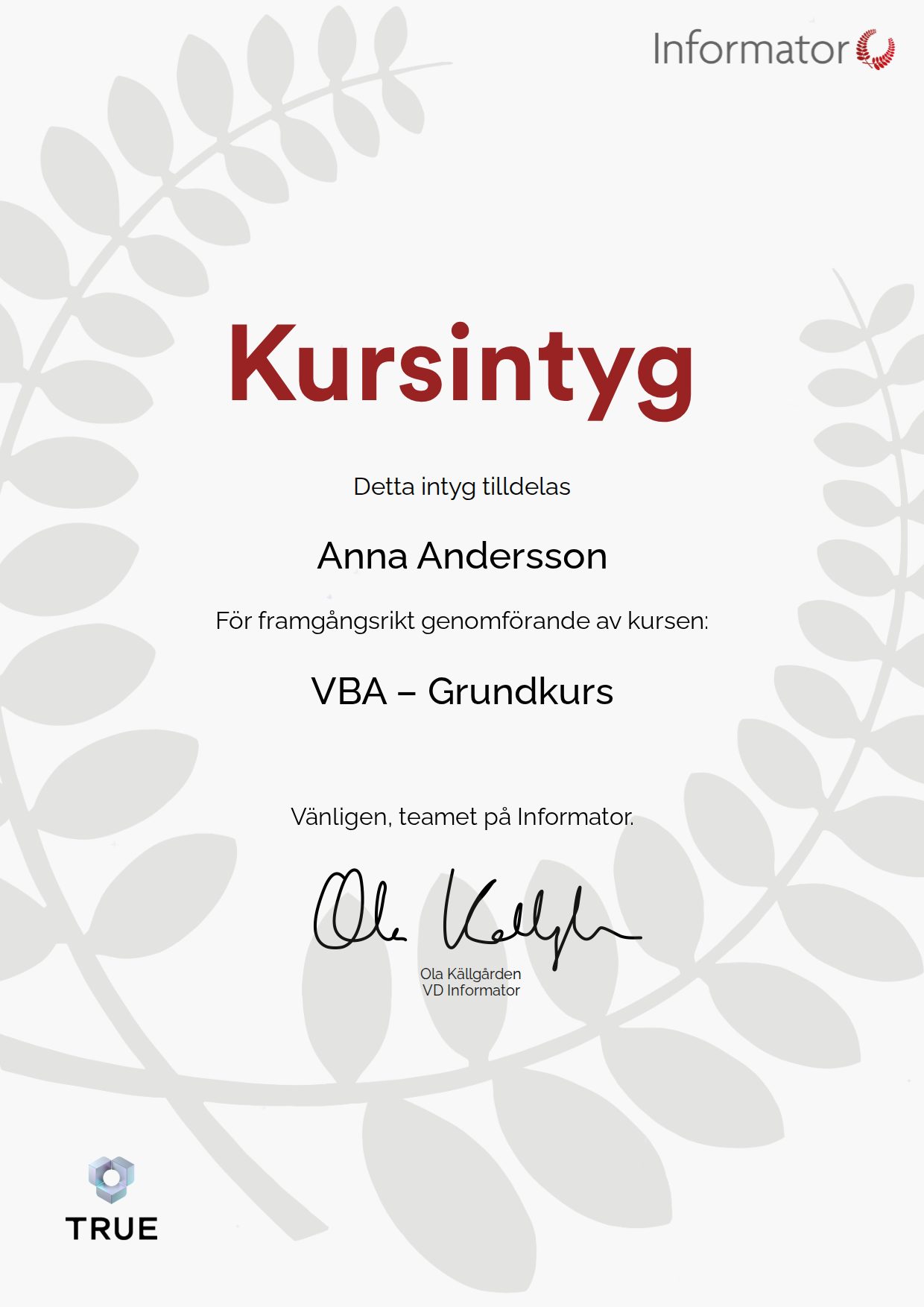
When you complete the course, Informator Utbildning issues your certificate. Your name, the course content and the issue date are encrypted and secured on blockchain, so it cannot be changed, and anyone can check that it is genuine.
Sample Credential with placeholder data. Each credential is issued with the recipient’s details and is verifiable with the provider.