Send a short question and we will forward it directly to the provider.
We forward your question to KI - Karolinska Institutet. No spam, no third parties.
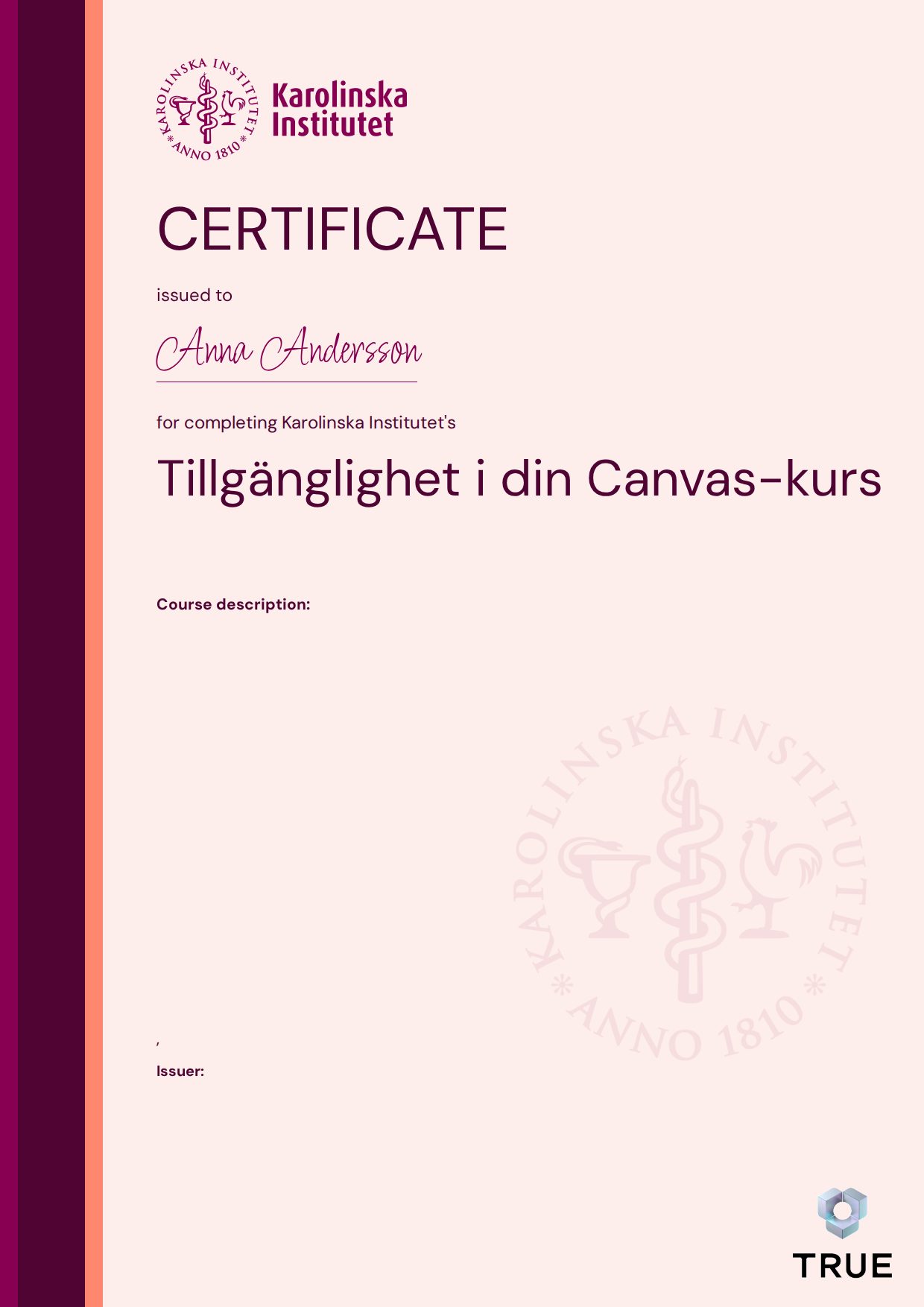
The goal is that, having completed the course, you should know: - How to create accessible pages and content in Canvas by using headings, lists and other tools to organize and structure content on pages and in modules in Canvas - How to identify and fix any accessibility problems in your course pages, such as missing image captions or missing table headers - How to identify and fix any accessibility problems in files uploaded to Canvas, e.g. in your PowerPoint or Word files - How to publish videos in an accessible way in your course. To pass this course, the participant has met all requirements of the included modules and answered quizzes, assignments and Menti questions. The participant should also have reviewed their own courses to see how well the pages meet the recommendations they have read about and practiced in the course modules. Participants should also have reviewed their own Microsoft documents using the Accessibility Checker. The course takes 2-3 hours to complete.
When you complete the course, KI - Karolinska Institutet issues your certificate. Your name, the course content and the issue date are encrypted and secured on blockchain, so it cannot be changed, and anyone can check that it is genuine.
Sample Credential with placeholder data. Each credential is issued with the recipient’s details and is verifiable with the provider.