Tired of spending hours on emails, reports and presentations? This course is about how you can use Microsoft Copilot in your everyday work to work smarter, save time and achieve higher quality. We cover everything from creating documents and presentations to handling email and making meetings more efficient. Through concrete exercises you will learn to integrate AI into your work processes in a way that suits your particular role and needs.
Format: On site
Language: Swedish
Request info
Want to know more before you sign up?
Send a short question and we will forward it directly to the provider.
We forward your question to Bonnier Akademi. No spam, no third parties.
About the course.
Tired of spending hours on emails, reports and presentations? This course is about how you can use Microsoft Copilot in your everyday work to work smarter, save time and achieve higher quality. We cover everything from creating documents and presentations to handling email and making meetings more efficient. Through concrete exercises you will learn to integrate AI into your work processes in a way that suits your particular role and needs.
COURSE OBJECTIVES:
That you as a participant will:
- Be able to use AI to free up time from routine tasks and focus on what really creates value for you and the business
- Deliver higher quality in your work with less effort and stress through smart use of AI
- Have a clear plan for how to implement AI assistance in your existing work processes for maximum benefit
What you will learn
What you learn.
How Microsoft Copilot and generative AI work, and how to use them directly in your everyday work
Free up time from routine tasks and focus more on what engages and creates value
Structure meetings, email and communication in a clearer and more time-saving way
Create professional documents faster, while maintaining quality
Perform data analysis and visualisations with greater speed and precision
Work safely with AI, keeping track of privacy, ethics and professional application
Use the full potential of Microsoft Copilot for Office, and how you as a full-version user can build your own AI agents in Microsoft Copilot Studio
Curriculum
How the course is built.
09.00 Introduction to Microsoft Copilot as a tool in your everyday work
- What generative AI is and how it can improve your daily work
- Concrete examples of how AI frees up time, reduces stress and increases job satisfaction
- Possibilities and limitations of AI assistants
- Overview of the Microsoft Copilot ecosystem and what is available to you
10.15 Security and responsible AI use
- Data security and privacy protection when using AI: how to work safely
- Ethical aspects and responsible use in professional contexts
- Guidelines for organisations and teams for secure AI implementation
- How to quality-assure and verify AI-generated content
10.45 Methodology for prompting in Microsoft Copilot
Introduction to a simple and teachable methodology for getting the most out of Microsoft Copilot. We go through how we work with the most important parameters in a prompt: context, source data, audience, presentation, intention and language.
11.15 How to use Microsoft Copilot in practice
- Document creation that makes your writing processes more efficient, while maintaining quality
- Meeting management that becomes more structured and effective
- Email communication that becomes clearer and saves time
- Problem solving that becomes more creative and well thought out
- Data analysis that gives faster insights and better decision material
13.00 How to use Microsoft Copilot in practice, continued
- Identify which AI assistance you already have access to
- Getting started with copilot.microsoft.com, your first AI assistant
- Exercise: Try getting started with AI on your real work tasks
14.00 How Microsoft Copilot can improve your work in Office programs
- Word: From blank page to finished text in record time with high quality
- Excel: Data analysis and visualisation that previously required expert knowledge
- PowerPoint: Presentations that engage and impress with less effort
- Outlook: Email handling and communication that becomes clearer and more effective
- Teams: Get all meetings transcribed and summarised
- Microsoft Copilot Studio: Create personal AI assistants for your recurring tasks
15.15 Workshop: bring AI into your work processes
Led by the course leader, you practise using Microsoft Copilot in your everyday work:
- For Copilot Chat users: In-depth exercises on how to use Copilot in practice in your daily tasks
- For full-version users: In-depth exercises in the different programs of the Office suite and how you can build agents for yourself and your colleagues with Copilot Studio
16.15 Implementation and next steps
- How to create your personal plan to work smarter starting today
- Identify the areas where AI can give you the most benefit and job satisfaction
- How to implement AI in your existing work processes step by step
16.30 Summary and time for questions
Target audience
Who is this for?
Professionals in both business and the public sector who handle text, data, information and documentation in their work and want in-depth knowledge of Microsoft Copilot's potential. No prior knowledge of AI is required.
During the course we use Microsoft Copilot. The course is aimed at you who have Copilot Chat (included in most business versions of Microsoft 365) but also at you who have Microsoft 365 Copilot (the full version with AI integration in Word, PowerPoint, Excel, Outlook and Teams).
What "verified" means here
Verified credential.
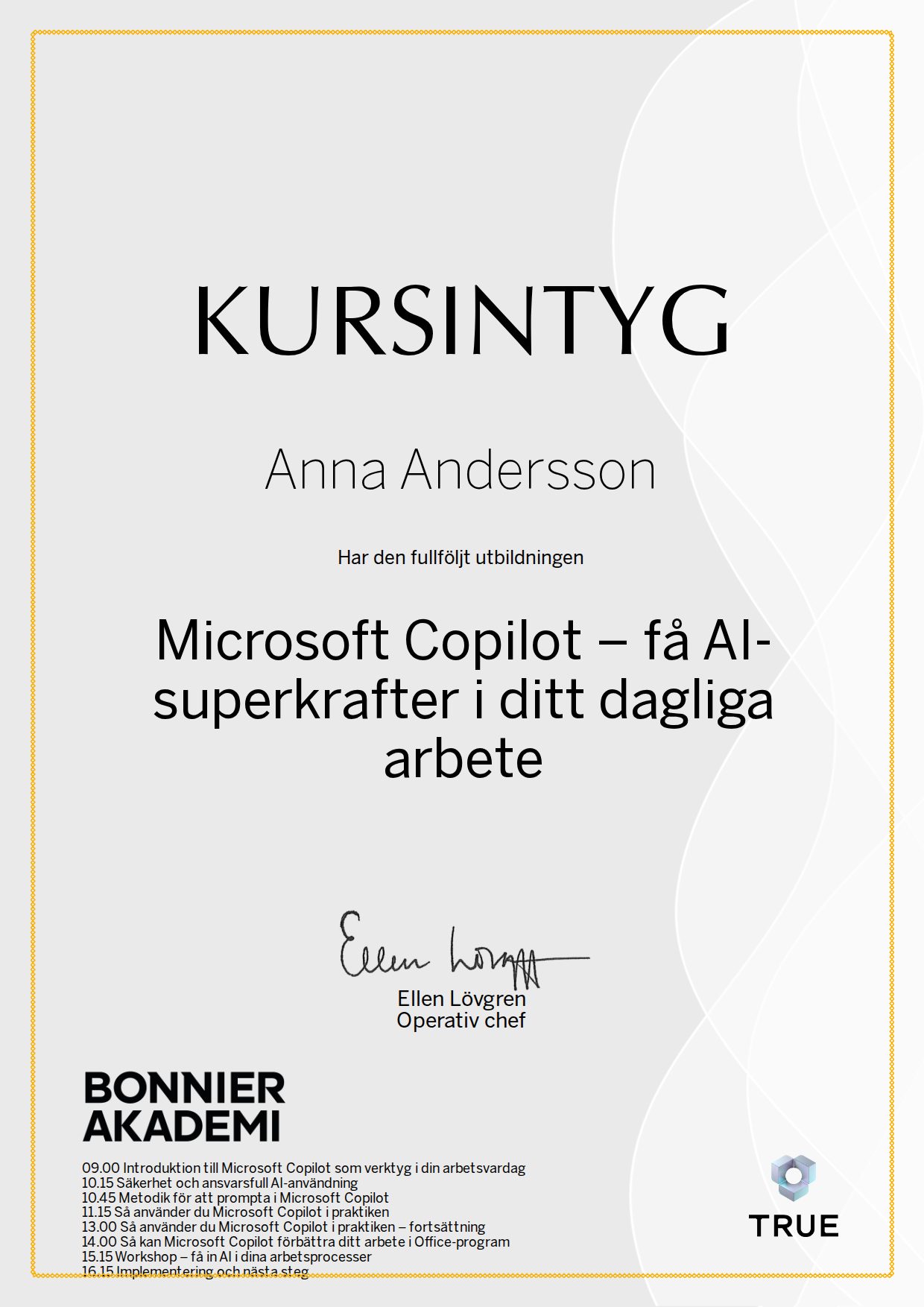
When you complete the course, Bonnier Akademi issues your certificate. Your name, the course content and the issue date are encrypted and secured on blockchain, so it cannot be changed, and anyone can check that it is genuine.
100% Verifiable certificates Secured on blockchain
 Bonnier Akademi under the brandsDi AkademiDagens Samhälle UtbildningResumé Akademi