This three-day course provides students with the foundational knowledge required to work with the Junos operating system and to configure Junos devices. The course provides a brief overview of the Junos device families and discusses the key architectural components of the software. Key topics include user interface options with a heavy focus on the command-line interface (CLI), configuration tasks typically associated with the initial setup of devices, interface configuration basics with configuration examples, secondary system configuration, and the basics of operational monitoring and mainte
Format: Online
Language: English
Level: Intermediate
Request info
Want to know more before you sign up?
Send a short question and we will forward it directly to the provider.
We forward your question to Informator Utbildning. No spam, no third parties.
About the course.
This three-day course provides students with the foundational knowledge required to work with the Junos operating system and to configure Junos devices. The course provides a brief overview of the Junos device families and discusses the key architectural components of the software. Key topics include user interface options with a heavy focus on the command-line interface (CLI), configuration tasks typically associated with the initial setup of devices, interface configuration basics with configuration examples, secondary system configuration, and the basics of operational monitoring and mainte
What you will learn
What you learn.
Describe the basic design architecture of Junos OS
Identify and provide a brief overview of Junos devices
Navigate within the Junos CLI
Perform tasks within the CLI operational and configuration modes
Restore a Junos device to its factory-default state
Perform initial configuration tasks
Configure and monitor network interfaces
Describe user configuration and authentication options
Perform secondary configuration tasks for features and services such as system logging (syslog) and tracing, Network Time Protocol (NTP), configuration archival and SNMP
Monitor basic operation of Junos OS and devices
Identify and use network utilities
Upgrade Junos OS
Perform file system maintenance and password recovery on a Junos device
Navigate within the Junos J-Web interface
Explain basic routing operations and concepts
View and describe routing and forwarding tables
Configure and monitor static routing
Configure and monitor OSPF
Describe the framework for routing policy and firewall filters
Explain the evaluation of routing policy and firewall filters
Identify cases where you can use routing policy
Write and apply a routing policy
Identify cases where you can use firewall filters
Write and apply a firewall filter
Describe the operation and configuration of unicast reverse path forwarding (RPF)
Follow the recommended procedure for opening a JTAC support case
Access support resources
Use the support website
Access and use support tools
Use FTP to transfer large files to JTAC
Identify high-level security challenges in today's networks
Explain the value of implementing security solutions
Identify key factors in Juniper Networks' security focus
Describe differences between IPv4 and IPv6
List IPv6 address types and describe the IPv6 address format
Enable an interface for IPv6 operation
Configure and monitor routing for IPv6 environments
Tunnel IPv6 traffic over an IPv4 network
Target audience
Who is this for?
The course benefits individuals responsible for configuring and monitoring devices running Junos OS.
What "verified" means here
Verified credential.
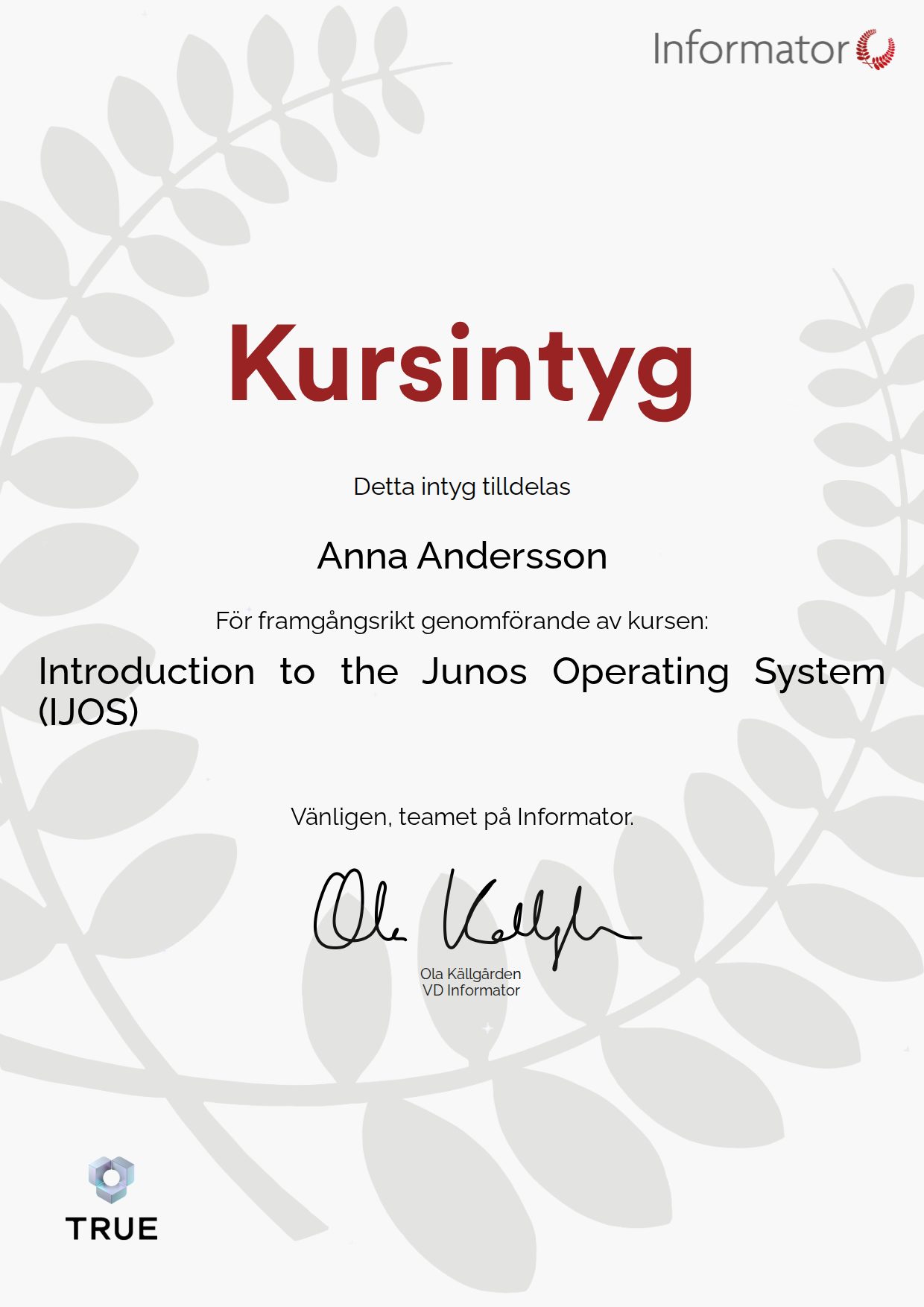
When you complete the course, Informator Utbildning issues your certificate. Your name, the course content and the issue date are encrypted and secured on blockchain, so it cannot be changed, and anyone can check that it is genuine.
100% Verifiable certificates Secured on blockchain