Copilot as a Colleague is Scribill's practical training that makes you confident in using Microsoft Copilot in your daily work. You gain in-depth knowledge of the tool's possibilities and limitations and learn to use it safely. Through concrete exercises you learn to create personas, formulate clear instructions and apply them in different work tasks. The training ends with a knowledge test.
Duration: 1 day
Format: Hybrid
Language: Swedish
Level: Beginner
Time commitment: From a couple of hours up to a full day, adapted to the group
Request info
Want to know more before you sign up?
Send a short question and we will forward it directly to the provider.
We forward your question to Scribill AB i Malmö. No spam, no third parties.
About the course.
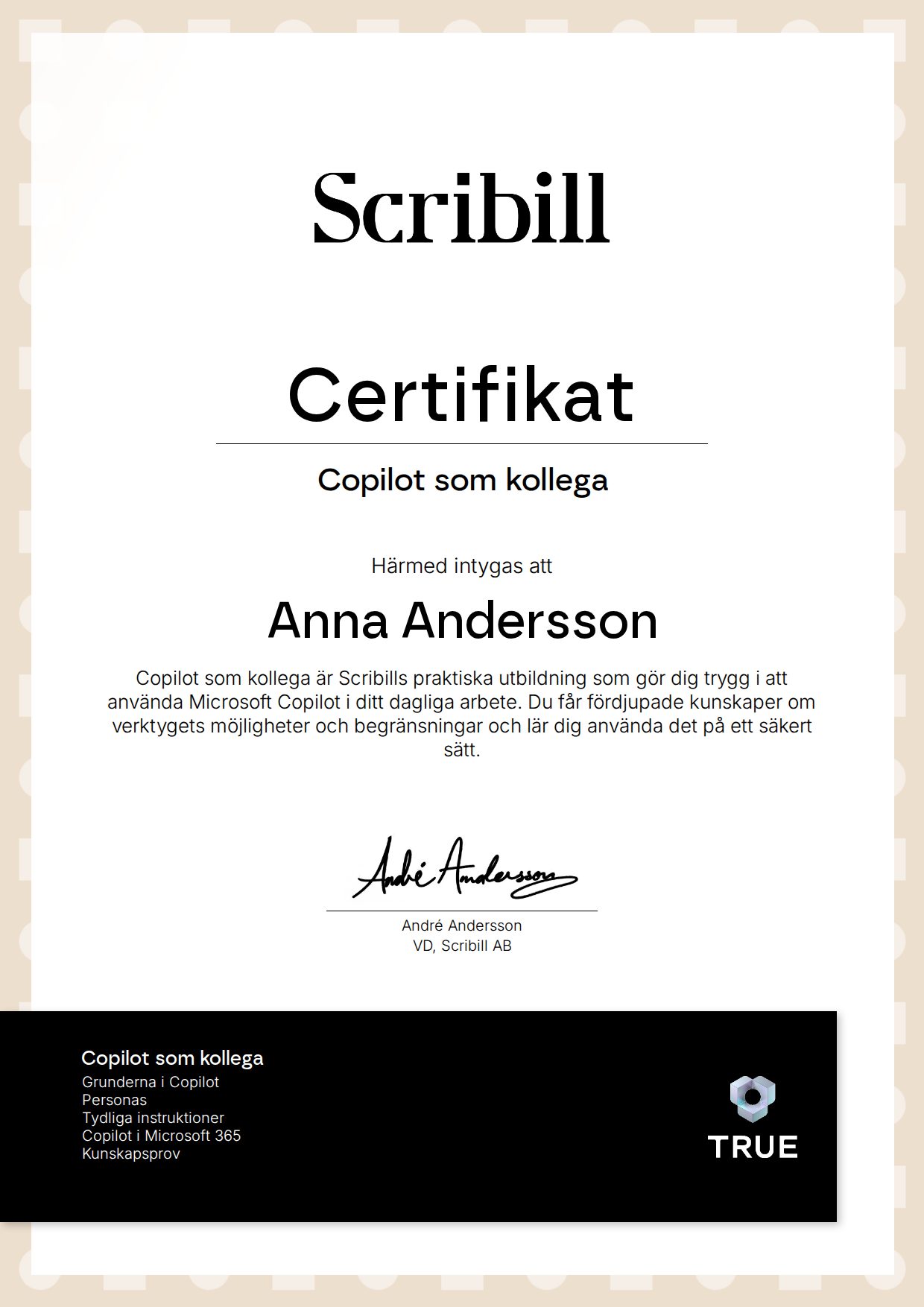
has participated in the training ”Copilot as a Colleague” at Scribill AB and passed the training's final test.
The training has given the participant in-depth knowledge of Copilot and its practical use in working life. The participant has a good understanding of the tool's possibilities, is aware of limitations such as AI hallucinations and can use Copilot safely. During the training, the participant has learned how to create personas, formulate clear instructions and how these can be applied in different work tasks. After completing the training, the participant is well prepared to use Copilot as a colleague in their daily work.
What you will learn
What you learn.
You understand Copilot's possibilities and practical benefits in working life.
You are aware of limitations such as AI hallucinations and can use Copilot safely.
You can create personas adapted to different work tasks.
You can formulate clear and well-structured instructions.
You can apply Copilot in concrete work tasks.
You are well prepared to use Copilot as a colleague in your daily work.
Curriculum
How the course is built.
Copilot Basics
How the tool works, hallucinations, safe use and data security.
Personas
Creating and testing personas for different work tasks.
Clear Instructions
Formulating well-structured prompts.
Copilot in Microsoft 365
Applying Copilot in Word, Excel, PowerPoint, Outlook and Teams.
Knowledge Test
A final test that consolidates the knowledge and forms the basis for a certificate.
Target audience
Who is this for?
For employees in all roles who use Microsoft 365 and want to become more efficient with Copilot. No technical prior knowledge is required.
What "verified" means here
Verified credential.
When you complete the course, Scribill AB i Malmö issues your certificate. Your name, the course content and the issue date are encrypted and secured on blockchain, so it cannot be changed, and anyone can check that it is genuine.
100% Verifiable certificates Secured on blockchain