Copilot with a licence is aimed at you who have a Microsoft 365 Copilot licence and want to get full value from it. You learn how Copilot supports work in documents, presentations, spreadsheets, e-mail and meetings, and gain an understanding of how agents work and can be applied in your organisation. You become aware of the risks of increased automation and the importance of human review. After the training you are well prepared to use Copilot with your licence in your daily work.
Duration: 1 day
Format: Hybrid
Language: Swedish
Level: Beginner
Time commitment: From a couple of hours up to a full day, adapted to the group
Request info
Want to know more before you sign up?
Send a short question and we will forward it directly to the provider.
We forward your question to Scribill AB i Malmö. No spam, no third parties.
About the course.
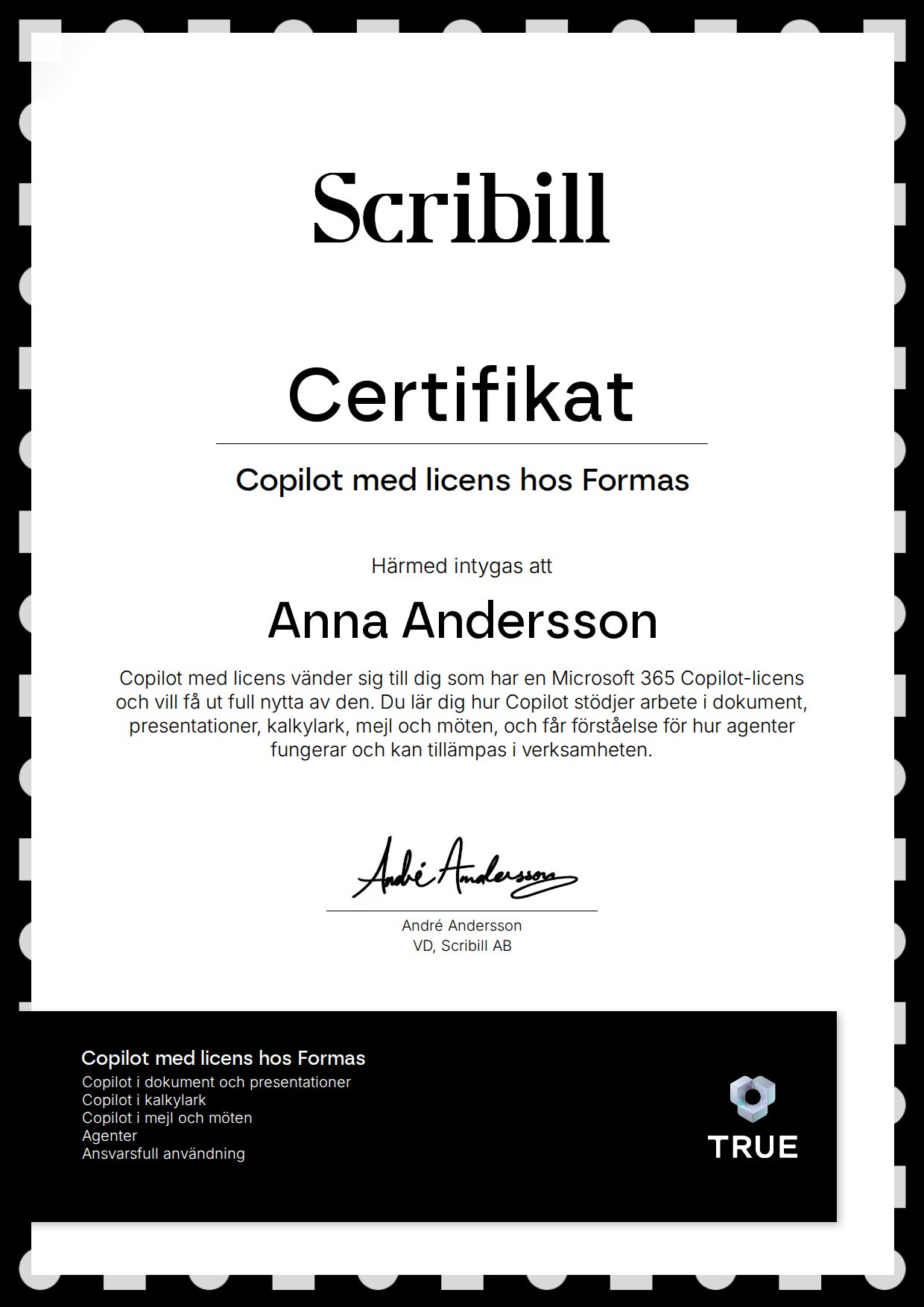
has taken part in the training ”Copilot with a licence”, developed by Scribill AB.
The training has given the participant in-depth knowledge of how Copilot can be used in the Microsoft 365 apps. The participant has learned how Copilot can support work in documents, presentations, spreadsheets, e-mail and meetings, and has gained an understanding of how agents work and can be applied in the organisation. The participant is aware of the risks of increased automation and the importance of human review. After completing the training, the participant is well prepared to use Copilot with their licence in their daily work.
What you will learn
What you learn.
You can use Copilot in the Microsoft 365 apps with your licence.
You can get support from Copilot in documents, presentations, spreadsheets, e-mail and meetings.
You understand how agents work and can be applied in the organisation.
You are aware of the risks of increased automation and the importance of human review.
You are well prepared to use Copilot with your licence in your daily work.
Curriculum
How the course is built.
Copilot in documents and presentations
Using Copilot in Word and PowerPoint.
Copilot in spreadsheets
Analysing and processing data in Excel.
Copilot in e-mail and meetings
Making Outlook and Teams more efficient with Copilot.
Agents
How agents work and can be applied in the organisation.
Responsible use
Risks of increased automation and the importance of human review.
Target audience
Who is this for?
For employees who have a Microsoft 365 Copilot licence and want to get maximum value from it in their daily work.
What "verified" means here
Verified credential.
When you complete the course, Scribill AB i Malmö issues your certificate. Your name, the course content and the issue date are encrypted and secured on blockchain, so it cannot be changed, and anyone can check that it is genuine.
100% Verifiable certificates Secured on blockchain